Guides
Pinterest vs. finds for saving snack ideas and grocery favorites
Use Pinterest boards for visual food inspiration and finds for exact snack products, saved ideas and personal rankings. Includes a simple two-tool workflow.
By finds editorial · 4 min read ·
CPG • app comparison
checked september 30, 2026
Use Pinterest when the thing you want to keep is a visual idea or a link. Use finds when it is an exact packaged snack or drink you want to try, remember and rank. For specialty CPG products such as OLIPOP, David and MASA, a recipe photo and a product tasting record answer different questions. You can keep both without copying an entire board into another app.
This comparison covers the documented workflows checked September 30, 2026. It does not measure speed, catalog completeness or recommendation quality.
What are you saving?
Pinterest's help guide explains how to save a Pin to a board. That makes a board a useful home for food inspiration that you want to revisit. Our suggested food board might contain recipe links, serving ideas and photos of products that catch your eye.
finds is a social app for ranking grocery products and sharing recommendations with friends. A saved product is a future tasting idea. A ranked product records a preference after you have tried it. Search for the exact brand and flavor rather than treating every photo of chocolate cookies as the same item.
| What you want to remember | Useful starting point | Detail to keep |
|---|---|---|
| A recipe or serving arrangement | A Pinterest board | The original source link |
| A snack to try on your next trip | A saved product in finds | Exact brand and flavor |
| Which of two cookies you prefer | A personal ranking in finds | Your own tasting reaction |
| A visual mood for a food party | A Pinterest board | The overall idea |
These are recommended uses, not an exhaustive list of either app's features.
A practical handoff from inspiration to a product record
- Keep the original Pin when the recipe, image or creator matters.
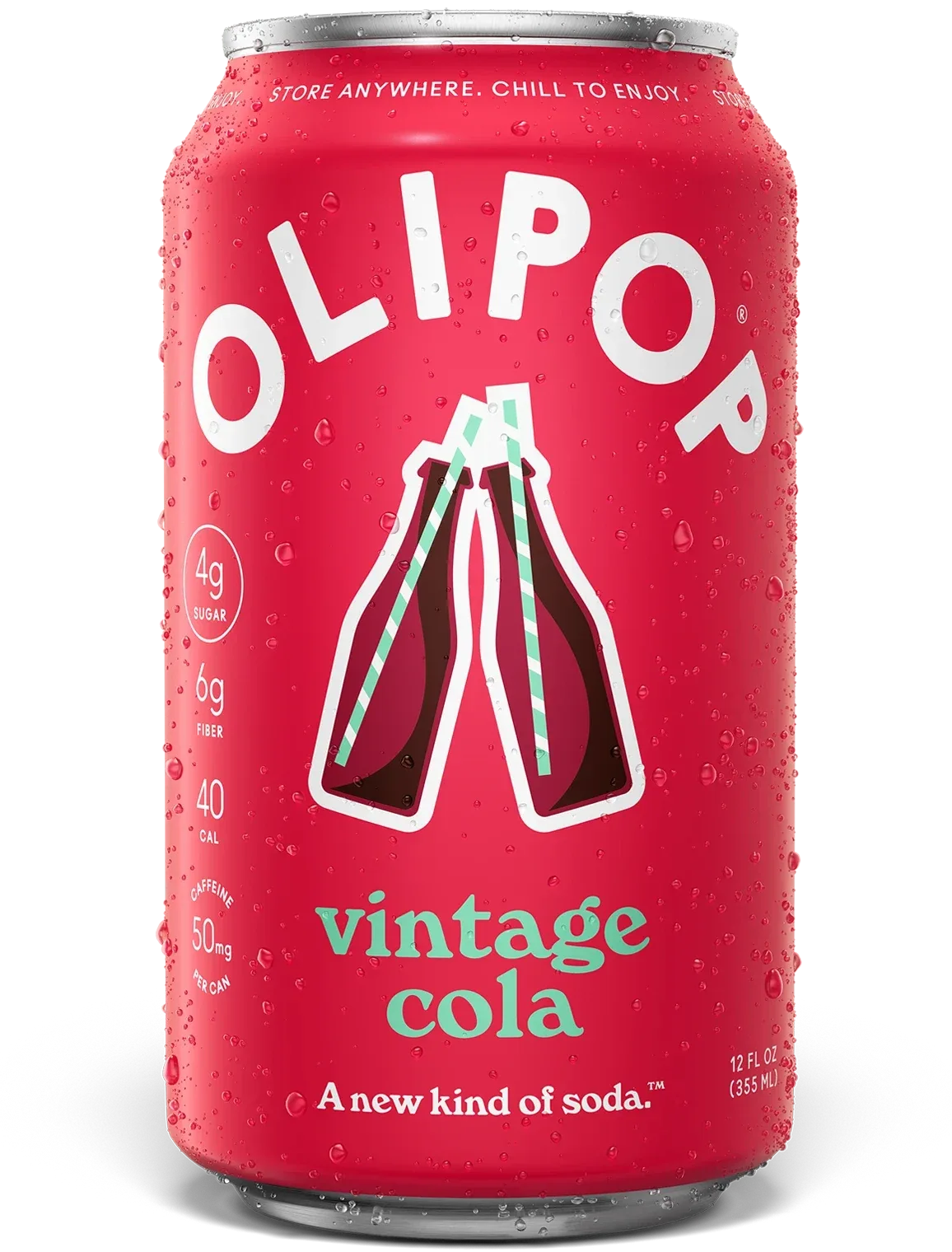
- Read the package or source caption to identify the exact product. For example, OLIPOP Vintage Cola and Strawberry Vanilla need separate records even when a board calls both “OLIPOP soda.”
- Search for that product in finds and check the flavor before saving it. If you cannot find a match, keep the source and exact name in your existing note; do not save a similar item as if it were identical.
- After you actually taste it, add your reaction and complete the ranking comparisons.
- Return to the saved ideas before another shop, and to your ranked history when deciding what to buy again.
This is a manual routine. It does not establish a Pinterest-to-finds import, account connection or automatic screenshot recognition.
Keep curiosity separate from a recommendation
A saved idea means “I want to investigate this.” It does not mean “I liked this” or “my friend should buy it.” Keeping those states separate makes your eventual recommendation more useful: you can explain what you tasted and why you preferred it.
If you are choosing one system, start with the record you need. A board may be enough when you mostly collect recipes. A product history is useful when your next shopping decision depends on previous tastings. Try one product before migrating a large collection.
For a flexible tasting table, see a spreadsheet versus finds. For a snack saved from a social video, follow saving a TikTok find.
See the CPG product workflow
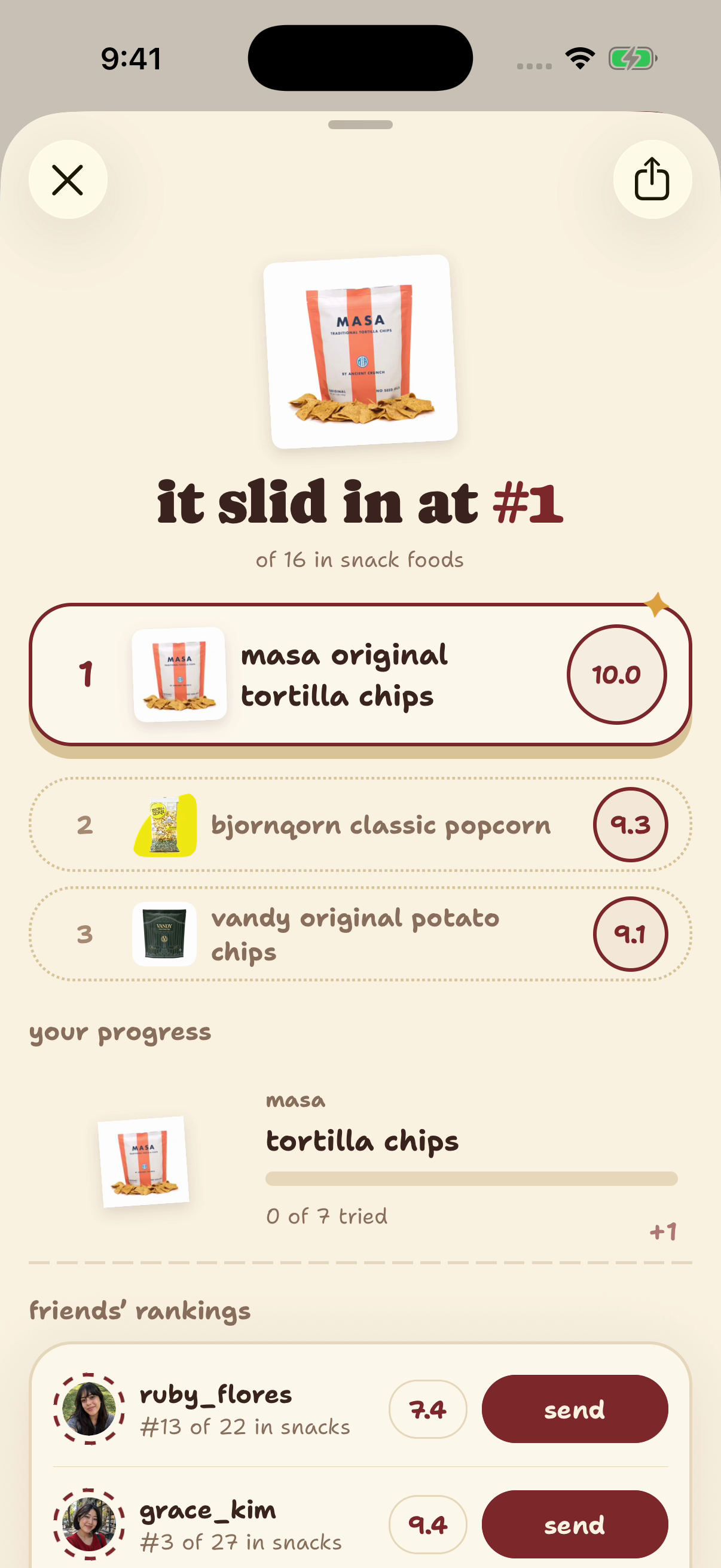
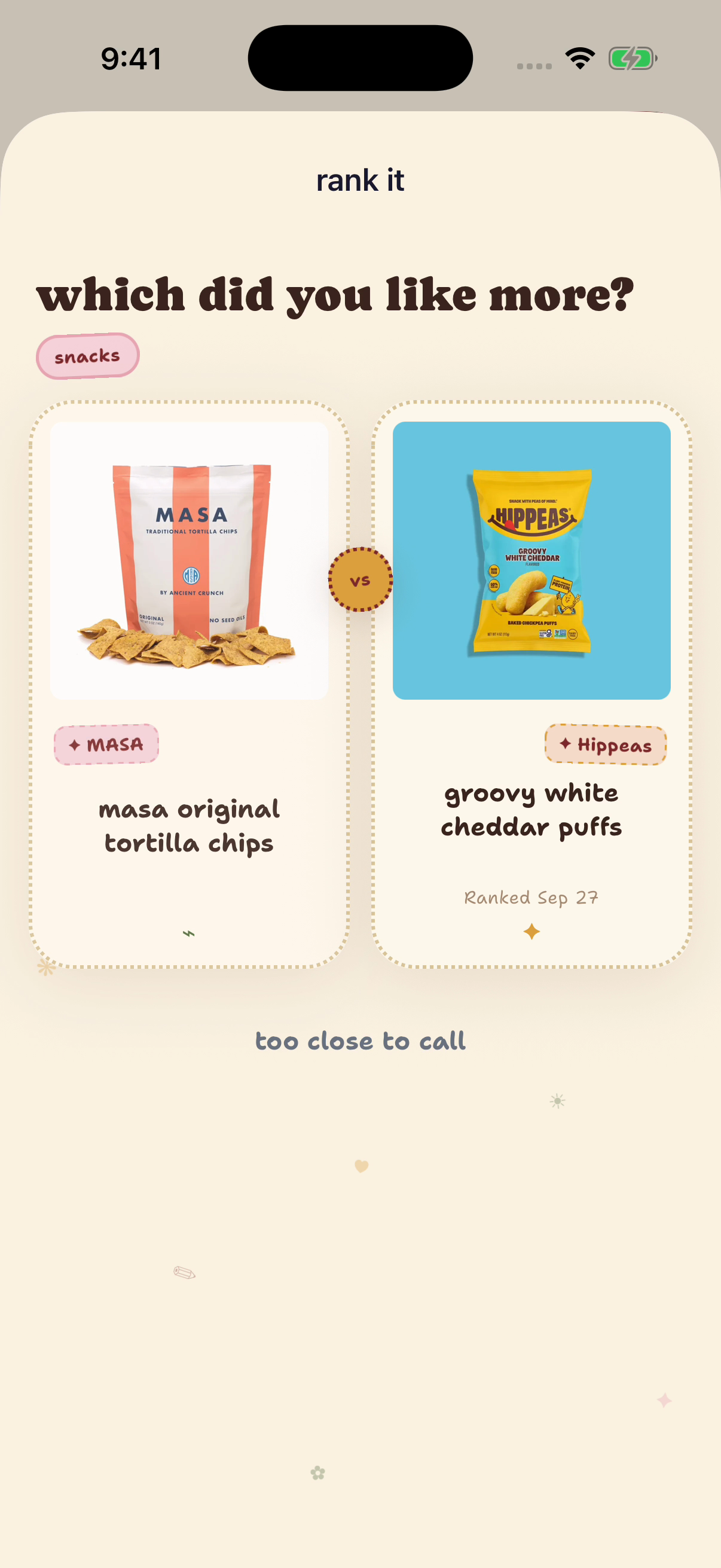
Native finds example account, captured September 29, 2026. Products and controls demonstrate the workflow; the ranks, notes and displayed tasting dates are seeded examples, not shopper evidence.
Sources and method
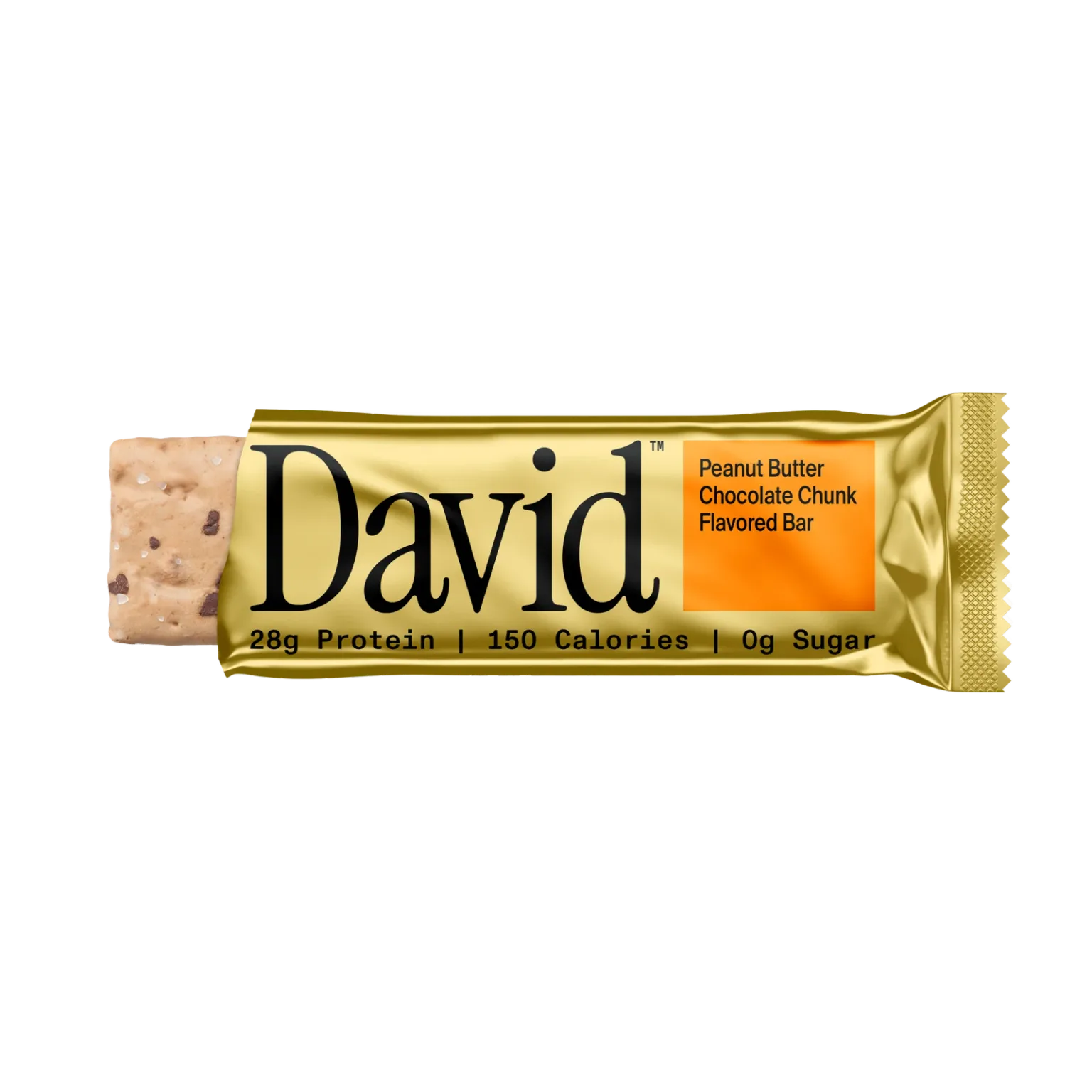
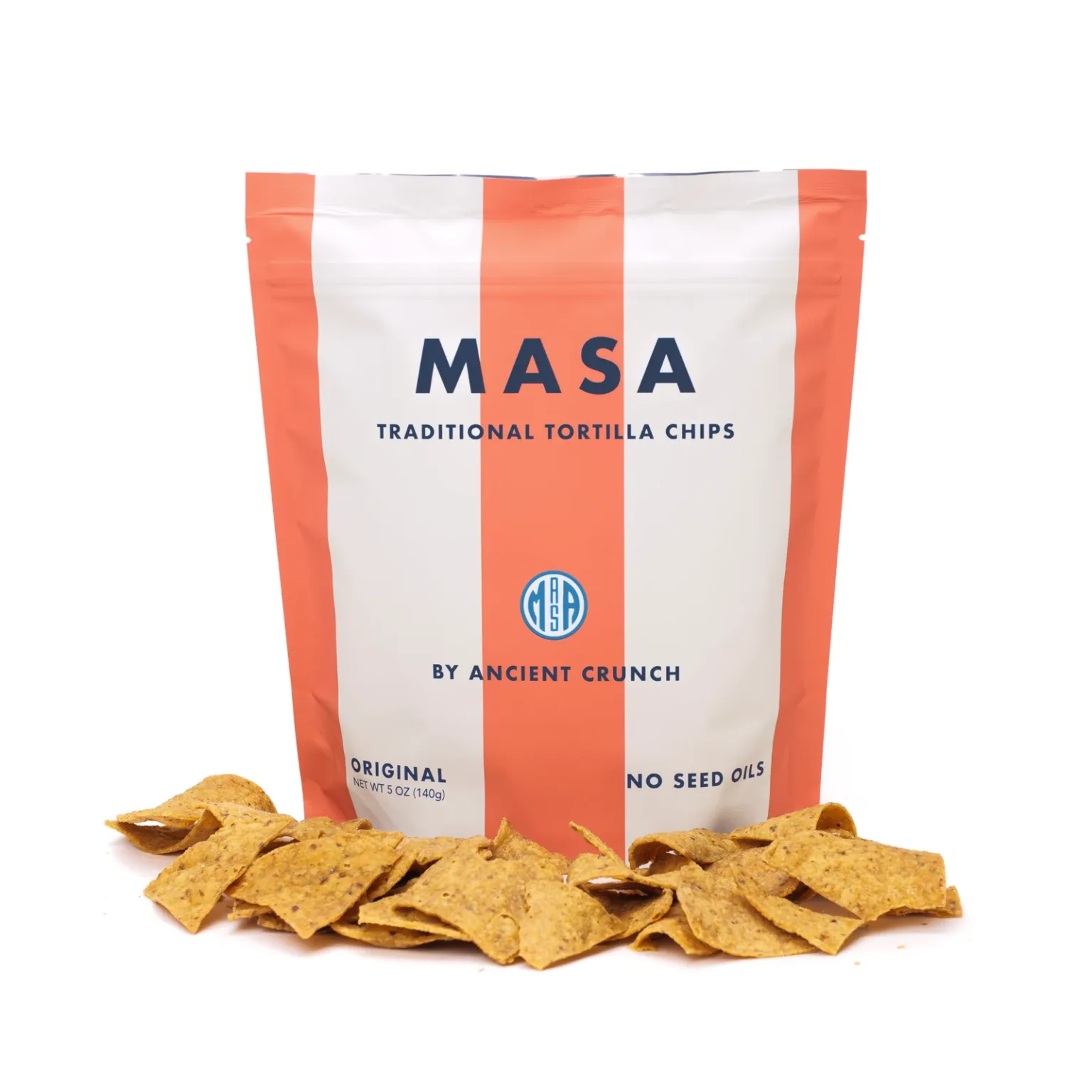
finds publishes this guide. Templates are editorial suggestions, not quotations or a new taste test. Exact OLIPOP, David and MASA product records and published catalog images were checked September 30, 2026. Native finds example account, captured September 29, 2026. Products and controls demonstrate the workflow; the ranks, notes and displayed tasting dates are seeded examples, not shopper evidence.
The illustrations show supported app behavior. No comparative performance, local inventory or acquisition lift is claimed. For the next discovery step, see finding new specialty CPG snacks and drinks.
Sources
- finds App Store listing and owned product guides, checked September 30, 2026
- Pinterest Help: saving Pins to boards, checked September 30, 2026
- Native finds CPG ranking capture, September 29, 2026, seeded example account
- OLIPOP official Vintage Cola product page, checked September 30, 2026
- David official Peanut Butter Chocolate Chunk product page, checked September 30, 2026
- MASA official Original Tortilla Chips product page, checked September 30, 2026
- Exact published specialty product records and images, finds production catalog, checked read-only September 30, 2026