Guides
How to keep snack recommendations from getting lost in a group chat
Identify exact snacks, separate untried suggestions from your own favorites, and share useful product recommendations in finds. Includes a simple reply template.
By finds editorial · 4 min read ·
CPG • practical guide
checked september 30, 2026
Keep a group-chat recommendation as an exact product to try, then add your own opinion only after tasting it. In finds, you can search and save a snack, rank it later, and send a product to a friend or group. Keep the original message when you need the sender's explanation. This is a manual routine, not an import of a chat history.
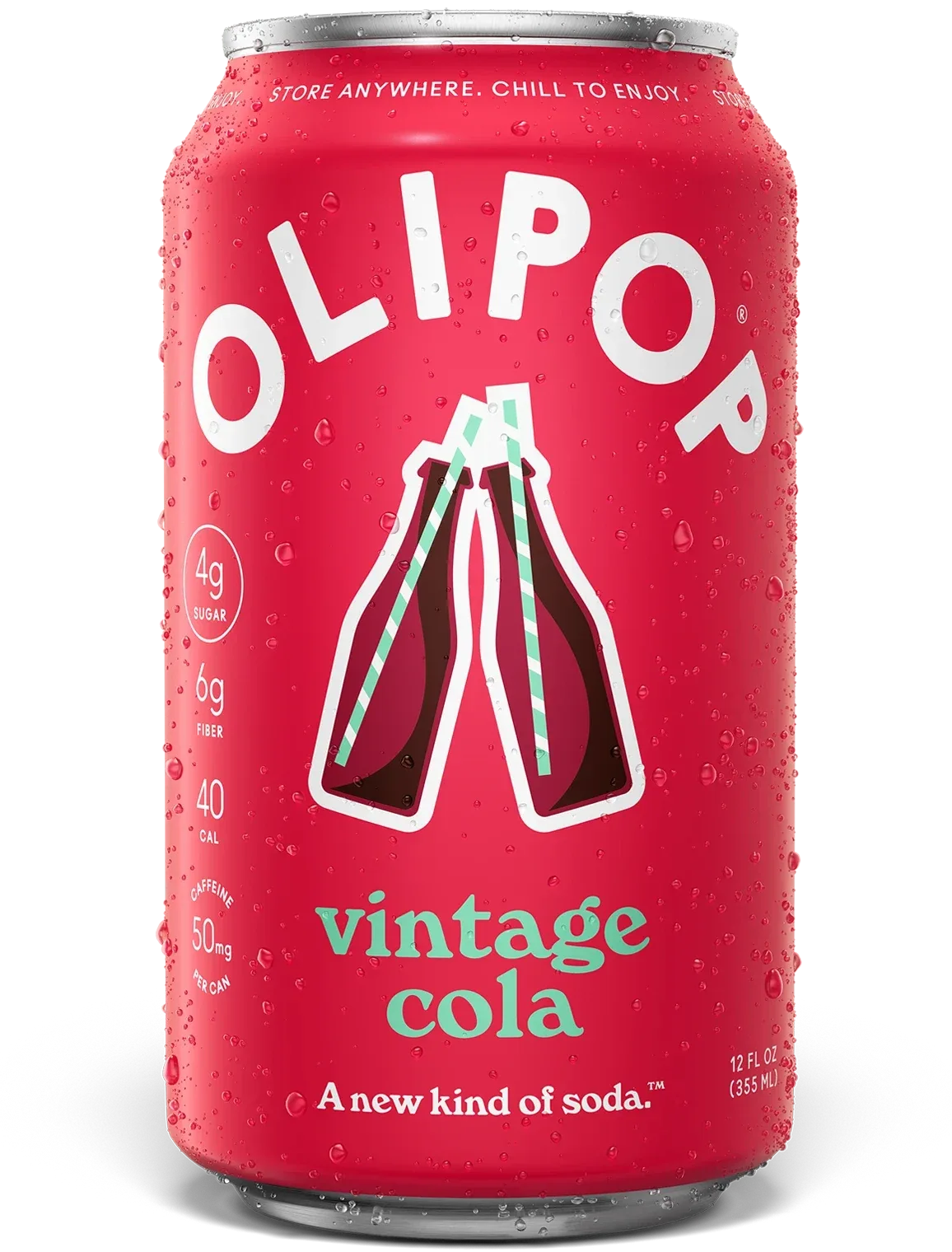
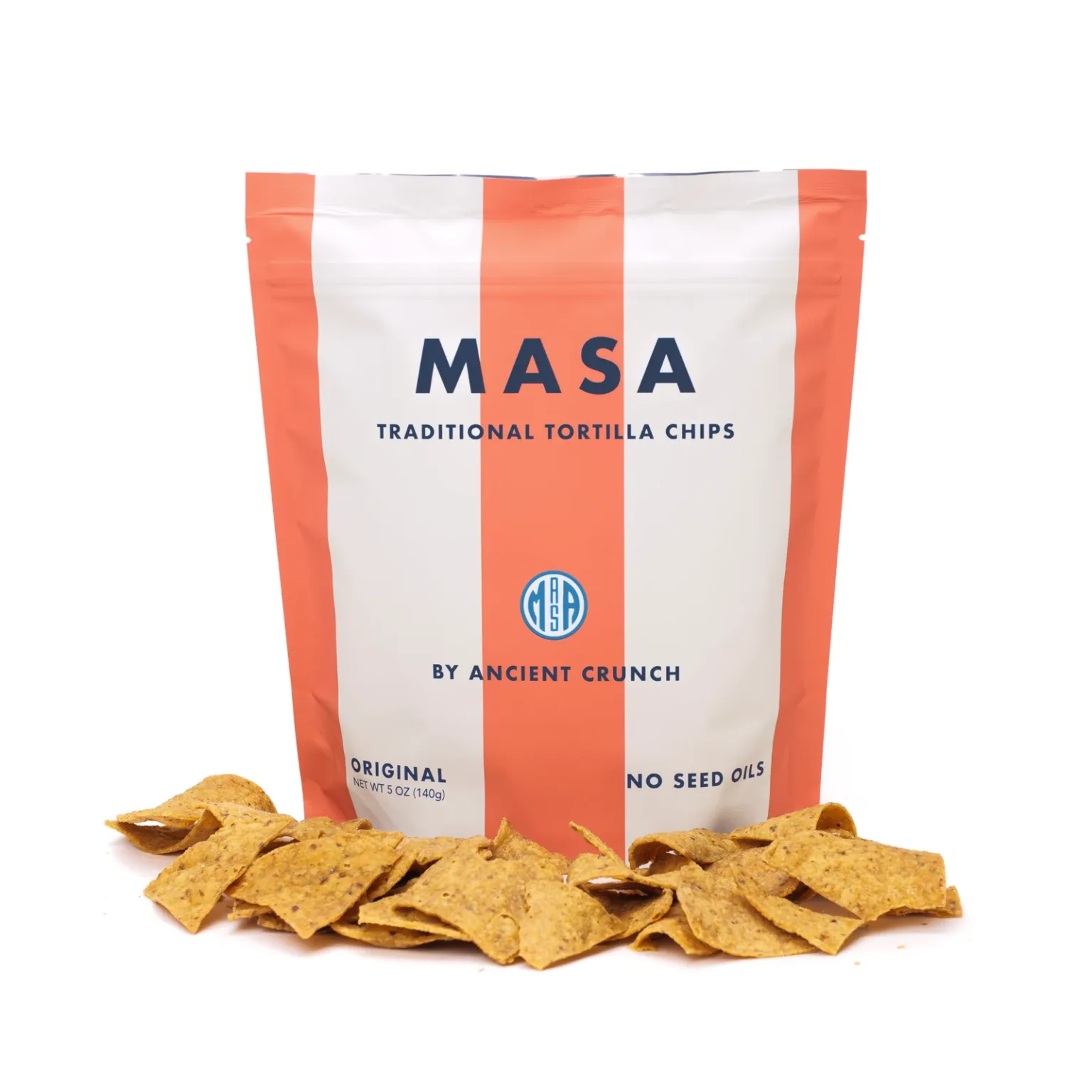
This routine is for specialty packaged foods and drinks, such as a MASA chip recommendation or a specific OLIPOP flavor.
Capture the part that makes the recommendation usable
“Get those cookies” is hard to act on a week later. Ask for the brand, product name and flavor, plus the detail that made your friend recommend it. A clear package photo can help, but a photo of several products needs a specific match.
A useful reply is:
Which exact flavor is it? What did you like about it, and how did you eat it?
The answer can stay in the original chat. Save the product itself when you want a shortlist that is easier to revisit before shopping.
Separate three kinds of message
| Message | What it establishes | What to keep |
|---|---|---|
| “This looks interesting” | An idea, not a tasting | Exact product and source |
| “I tried this and loved the texture” | That person's experience | Product, attribution and context |
| “You should get it for our movie night” | A suggestion for an occasion | Product and the planned use |
A friend's preference is evidence about their taste. It does not become your own ranking until you try the product. The same distinction applies when a creator, article or group sends the idea.
Build a small shortlist in finds
Search for the exact product and save it. Revisit Saved before the next shop. If your chat mentions OLIPOP Vintage Cola and Strawberry Vanilla, save separate product records rather than an ambiguous “OLIPOP” entry.
If the exact item cannot be found, retain its name and the original message. Do not treat a similar product as a verified match. A saved record also does not establish local inventory, a launch date or a restock alert.
Share a product after you have something useful to say
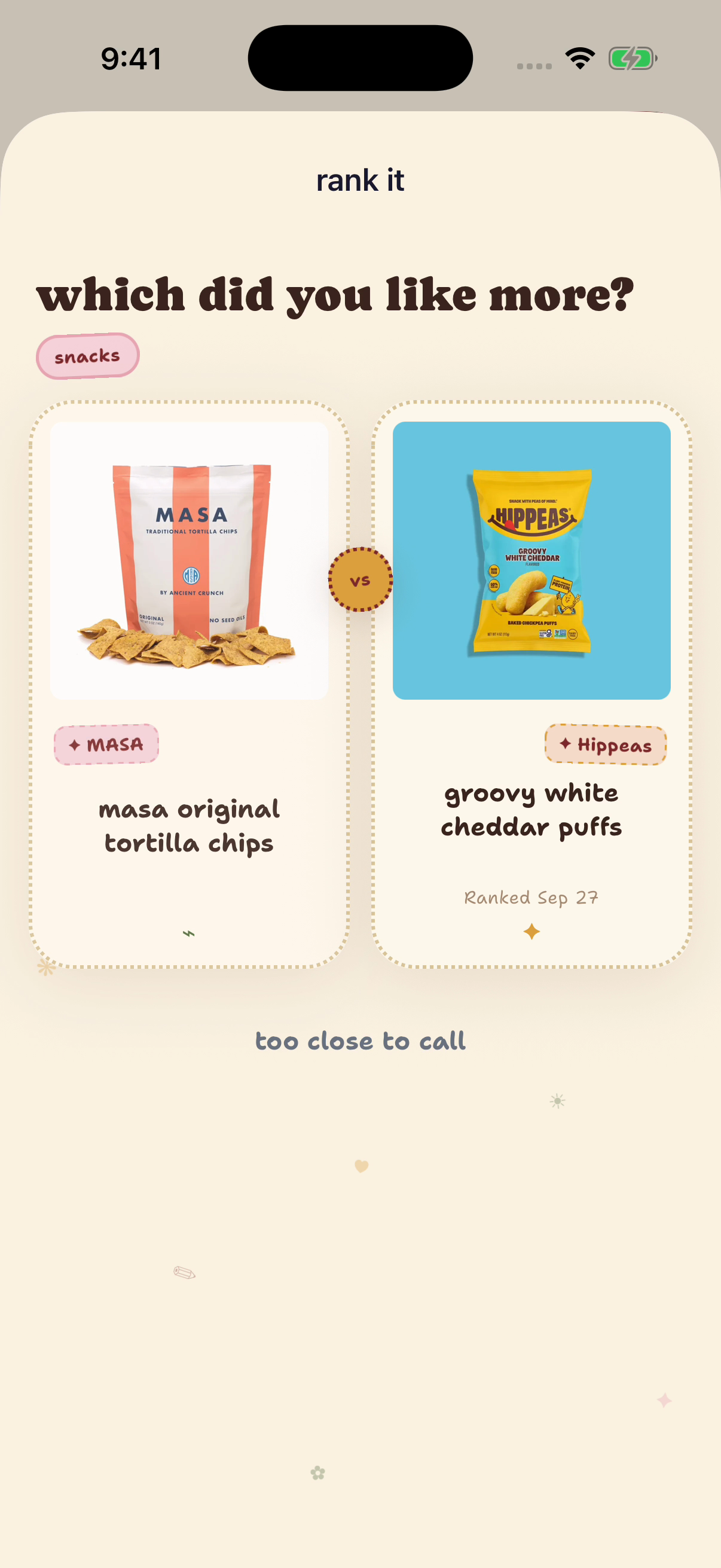
After tasting, record your reaction and complete the comparisons. The native example below shows a completed CPG ranking and the product sharing control. The linked sharing walkthrough shows the recipient and confirmation steps. Use the product's sharing flow to choose a friend or group, and keep your recommendation specific enough to help them decide.
A reply template:
I tried [exact product]. I preferred it for [occasion]. The detail I would remember is [your actual observation].
For an untried suggestion, say that instead:
I have not tried [exact product] yet. I saved it because [source and reason].
These are suggested messages, not quotations from real participants. The app's ability to send a product does not mean this guide connects to or reads an existing iMessage, WhatsApp or other chat.
Keep the group’s opinions separate
If one person loves a snack and another dislikes it, preserve both reactions. A group conversation is not automatically a vote, and your account's ranking is not the group's consensus. A small set of attributed preferences may help each person choose better than an invented average.
For a full native walkthrough, see sharing recommendations with friends. For photos instead of messages, see organizing snack screenshots. For an ongoing group activity, see running a monthly snack club.
See the CPG product workflow
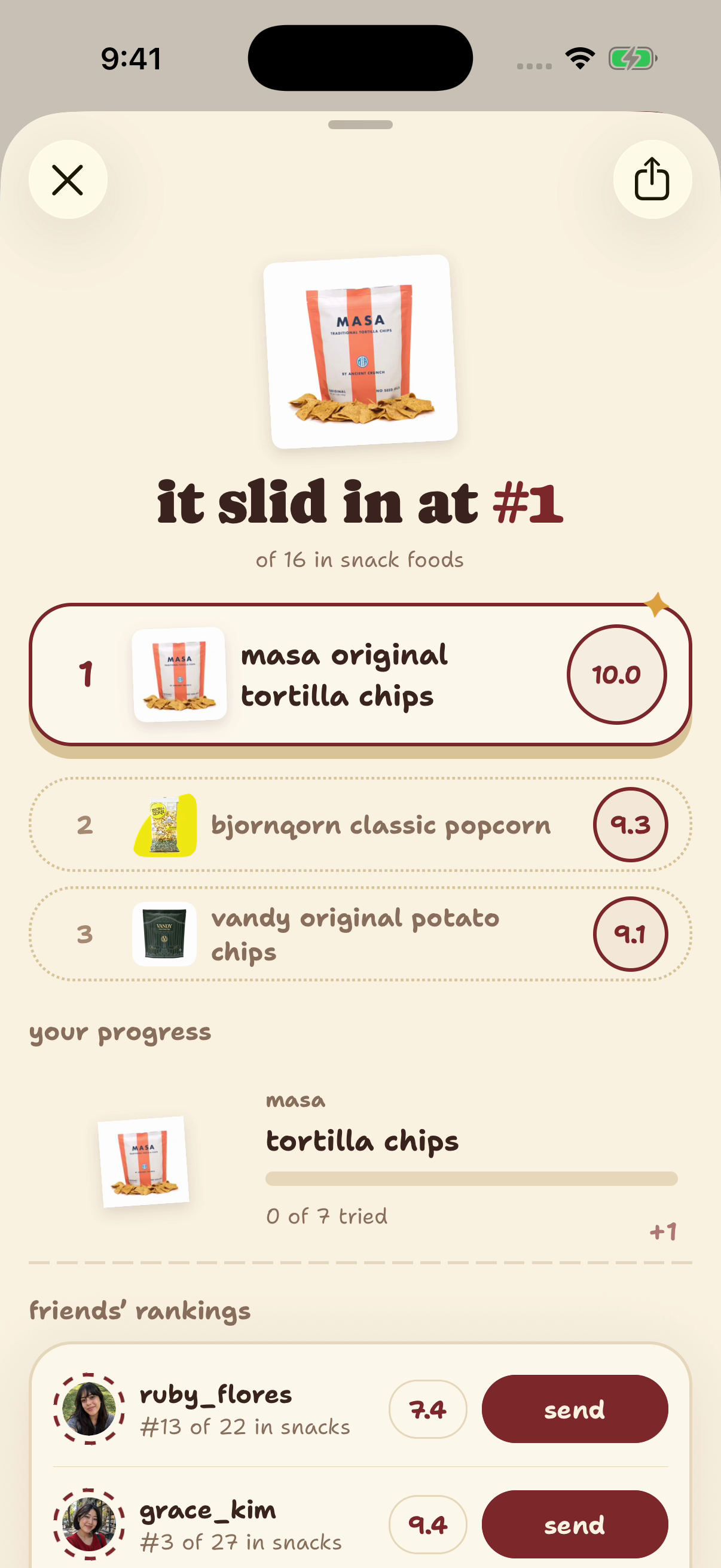
Native finds example account, captured September 29, 2026. Products and controls demonstrate the workflow; the ranks, notes and displayed tasting dates are seeded examples, not shopper evidence.
Sources and method
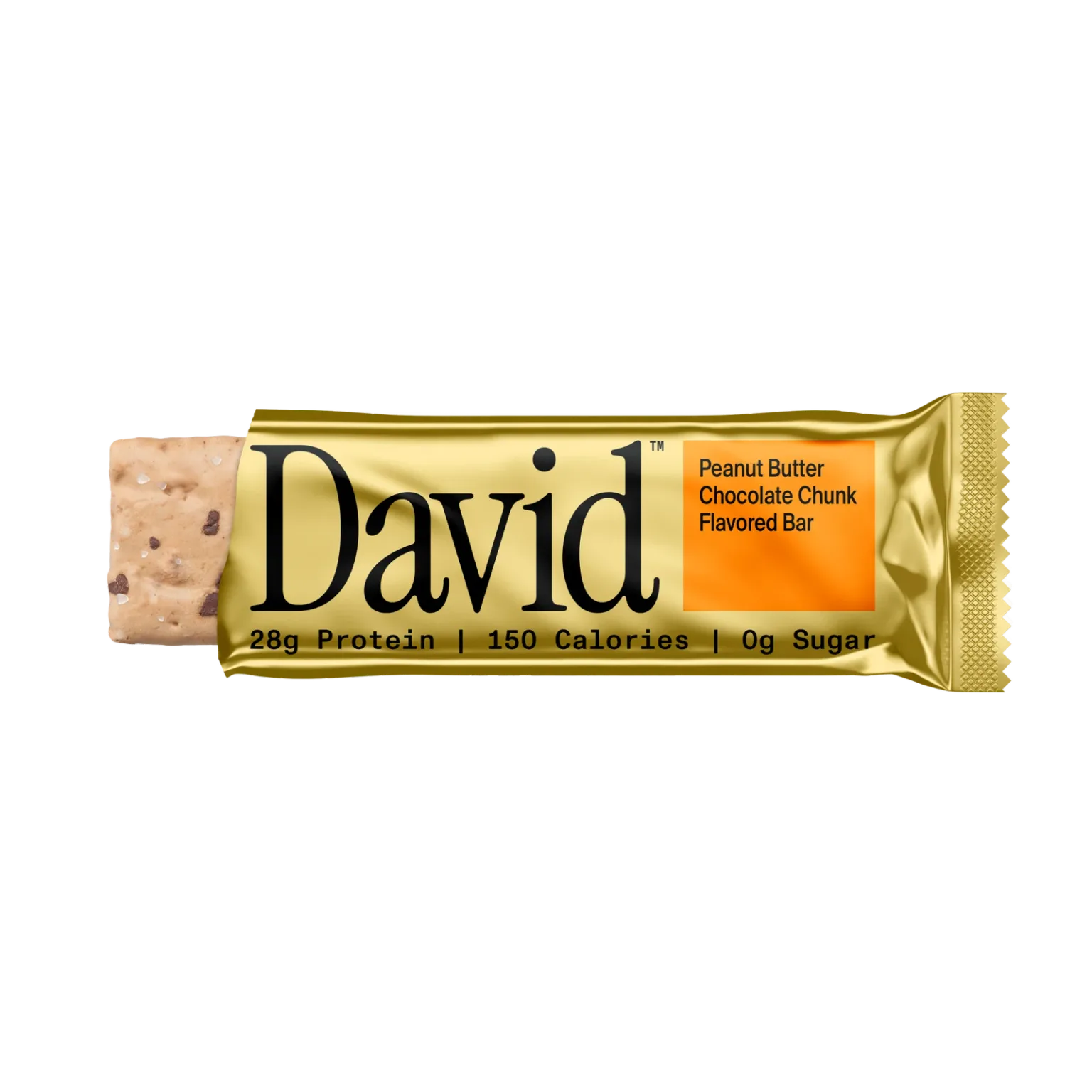
finds publishes this guide. Templates are editorial suggestions, not quotations or a new taste test. Exact OLIPOP, David and MASA product records and published catalog images were checked September 30, 2026. Native finds example account, captured September 29, 2026. Products and controls demonstrate the workflow; the ranks, notes and displayed tasting dates are seeded examples, not shopper evidence.
The illustrations show supported app behavior. No comparative performance, local inventory or acquisition lift is claimed. For the next discovery step, see finding new specialty CPG snacks and drinks.
Sources
- finds App Store listing and owned product guides, checked September 30, 2026
- Native finds CPG ranking capture, September 29, 2026, seeded example account
- OLIPOP official Vintage Cola product page, checked September 30, 2026
- David official Peanut Butter Chocolate Chunk product page, checked September 30, 2026
- MASA official Original Tortilla Chips product page, checked September 30, 2026
- Exact published specialty product records and images, finds production catalog, checked read-only September 30, 2026